 dckc
b9f3156d6d
dckc
b9f3156d6d
https://www.kmjn.org/notes/modern_plain_html.html and its stylesheet:
system fonts (Verdana; no Google webfonts), one 800px column,
line-height 1.35, links in the text color with a dotted underline, no
rounding, shadows, or tracking; the header is plain, not sticky glass.
Token overrides live in theme.css; per-page scoped styles unchanged.

Generated-by: Claude Opus 5.5
EmDash Blog Template (Cloudflare)
A clean, minimal blog built with EmDash and deployed on Cloudflare Workers with D1 and R2.
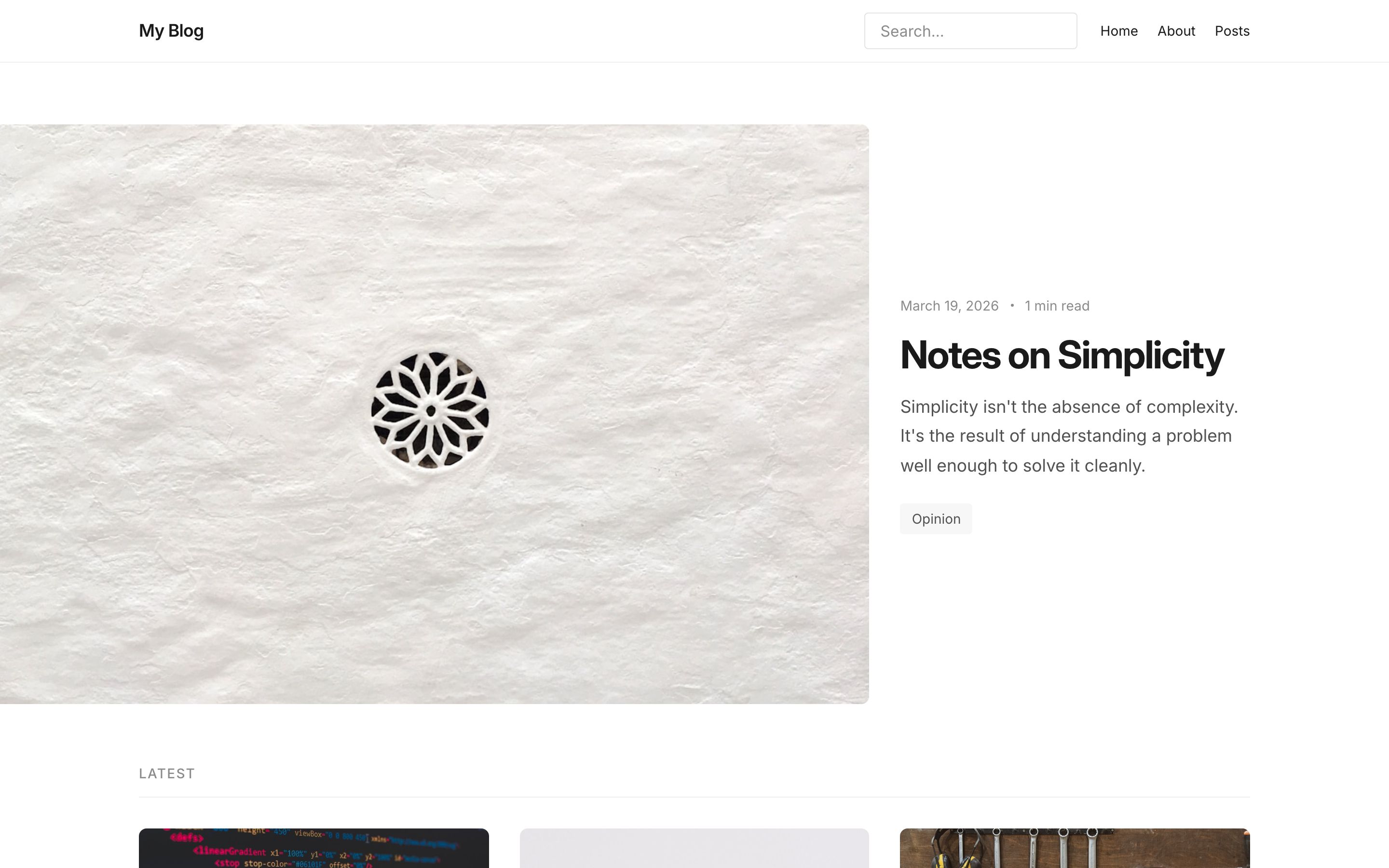
What's Included
- Featured post hero on the homepage
- Post archive with reading time estimates
- Category and tag archives
- Full-text search
- RSS feed
- SEO metadata and JSON-LD
- Dark/light mode
Pages
| Page | Route |
|---|---|
| Homepage | / |
| All posts | /posts |
| Single post | /posts/:slug |
| Category archive | /category/:slug |
| Tag archive | /tag/:slug |
| Search | /search |
| Static pages | /pages/:slug |
| 404 | fallback |
Screenshots
| Desktop | Mobile | |
|---|---|---|
| Light | |
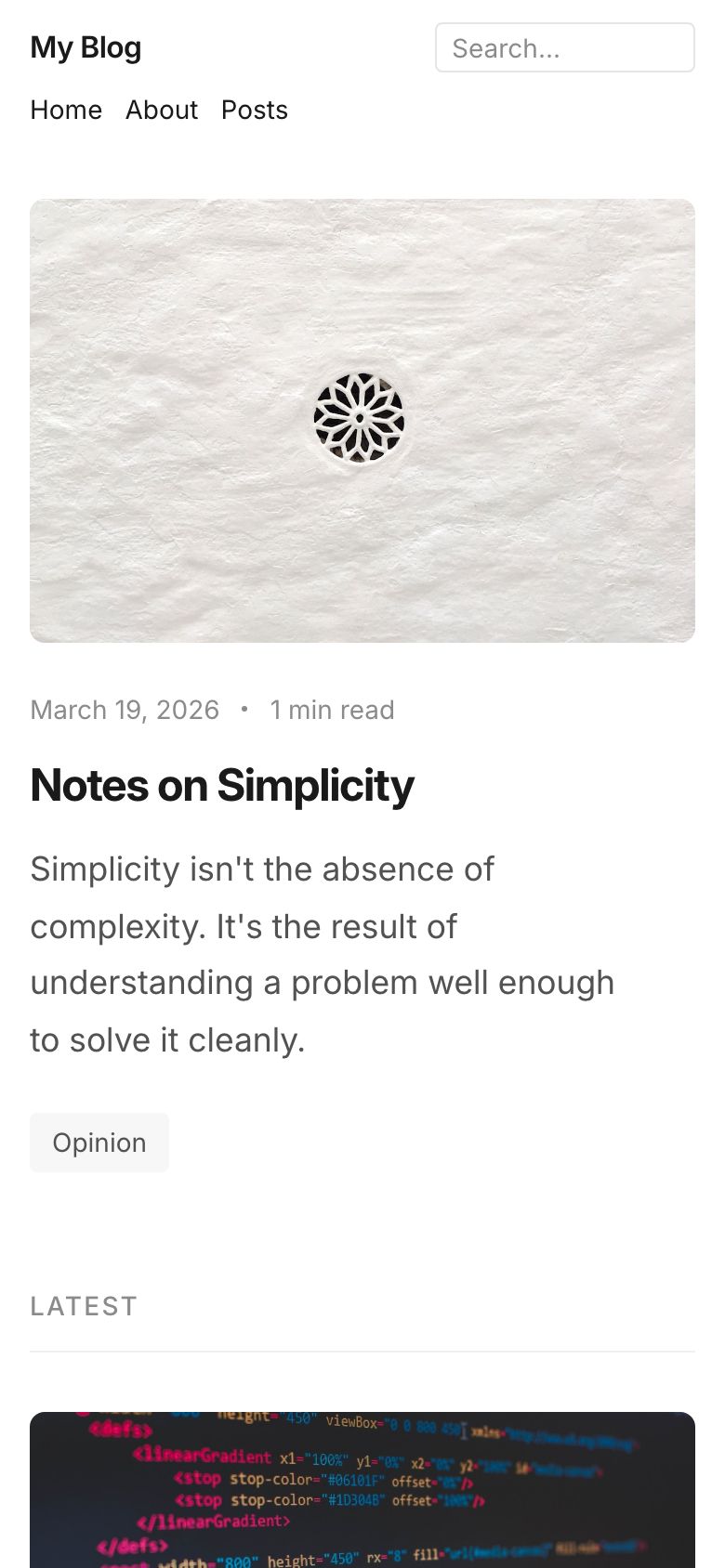 |
| Dark | 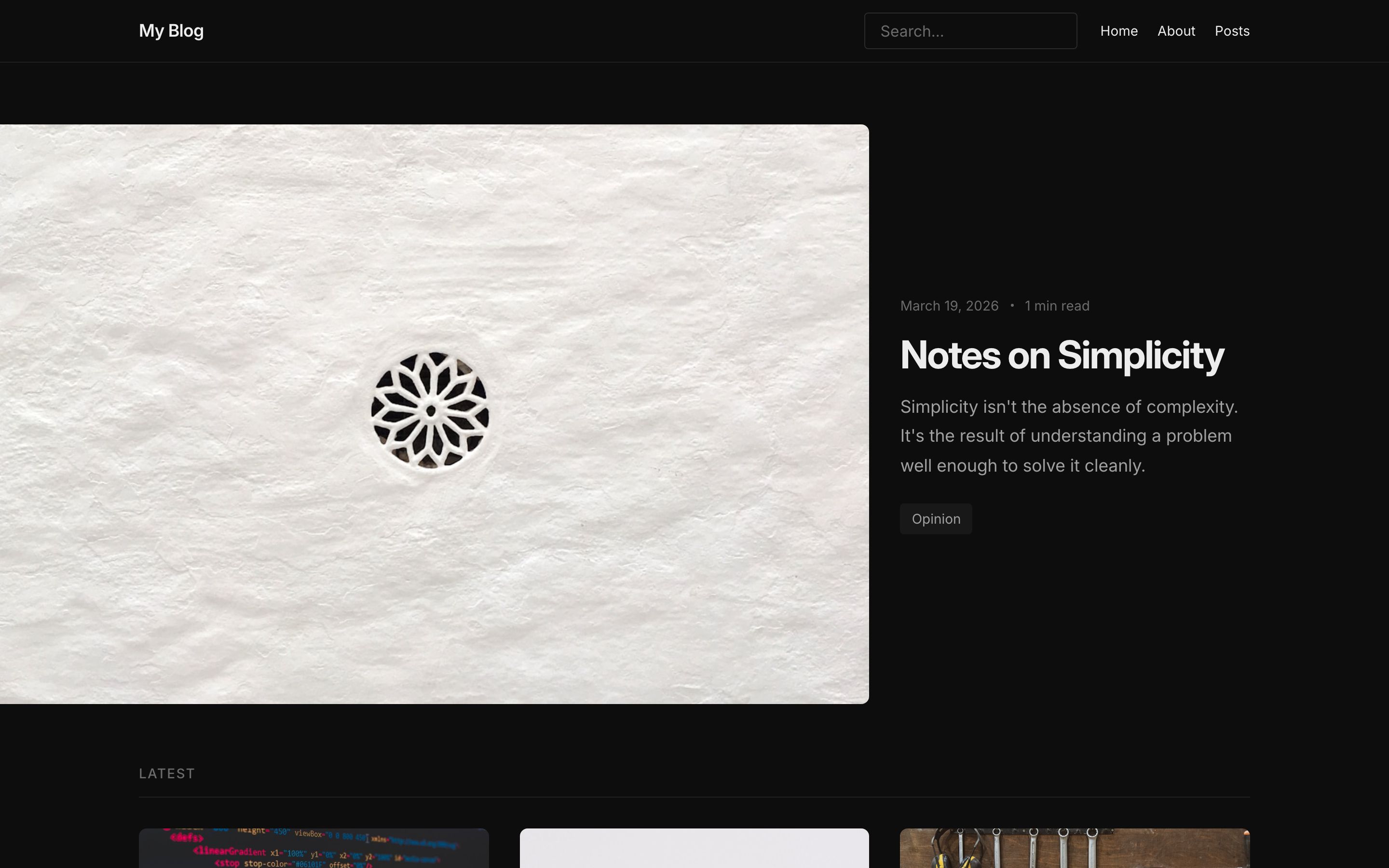 |
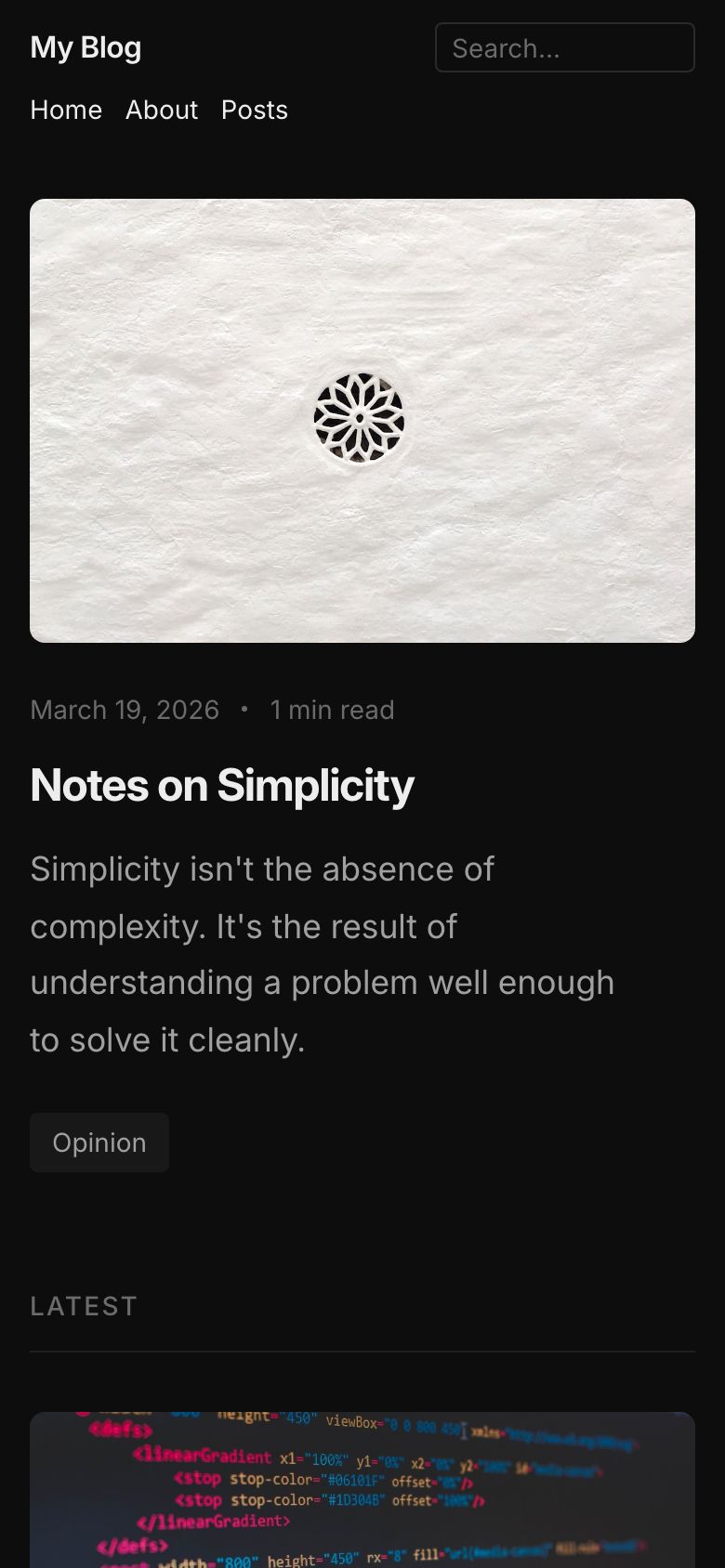 |
Infrastructure
- Runtime: Cloudflare Workers
- Database: D1
- Storage: R2
- Framework: Astro with
@astrojs/cloudflare
Local Development
pnpm install
pnpm dev
Open http://localhost:4321/_emdash/admin and complete the setup wizard. EmDash runs database migrations and applies the blog seed during setup. The site is available at http://localhost:4321.
Deploying
pnpm wrangler login
pnpm deploy
The first deployment provisions the named D1 database and R2 bucket from wrangler.jsonc. See Deploy to Cloudflare for production setup, or use the deploy button above.
See Also
- Node.js variant -- same template using SQLite and local file storage
- All templates
- EmDash documentation