 dckc
fd7fd5728d
dckc
fd7fd5728d
- issues collection (ISO-week slug, week, dek, rich-text body); home,
  /issues, and /issues/<week> pages; seed/issues.json holds three
  sketched issues (W38-W40) from public diigo bookmarks, editorial
  lines marked (draft); issues-sketch.md is the dry run behind them
- microformats: h-feed of h-entry lists; an issue is an h-entry
  (p-name, dt-published, p-summary, e-content); off-site links render
  as h-cite, /tag/<tag> links as rel-tag p-category (CiteLink.astro)
- diigo tags: shown on each bookmark and attached to issues via the
  tag taxonomy (now posts + issues); /tag/<tag> lists issues
- demo blog content gone: posts dropped from the seed, home page lists
  issues, site title/tagline, footer About widget, and About page
  rewritten; nav is Home / About / Issues; search and RSS cover issues
- .column container gives potluck's pages the header's margins

Generated-by: Claude Opus 5.5
EmDash Blog Template (Cloudflare)
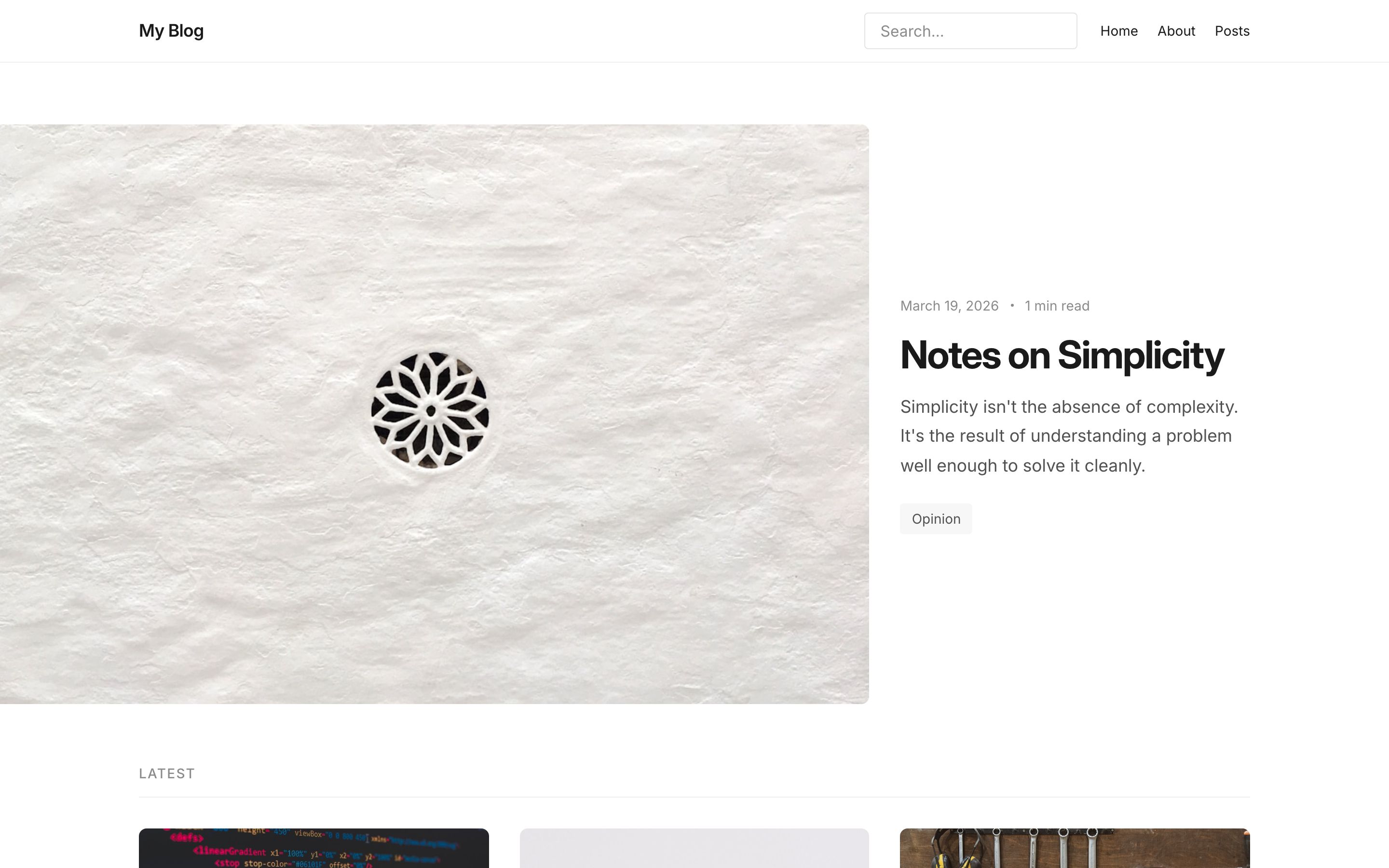
A clean, minimal blog built with EmDash and deployed on Cloudflare Workers with D1 and R2.
What's Included
- Featured post hero on the homepage
- Post archive with reading time estimates
- Category and tag archives
- Full-text search
- RSS feed
- SEO metadata and JSON-LD
- Dark/light mode
Pages
| Page | Route |
|---|---|
| Homepage | / |
| All posts | /posts |
| Single post | /posts/:slug |
| Category archive | /category/:slug |
| Tag archive | /tag/:slug |
| Search | /search |
| Static pages | /pages/:slug |
| 404 | fallback |
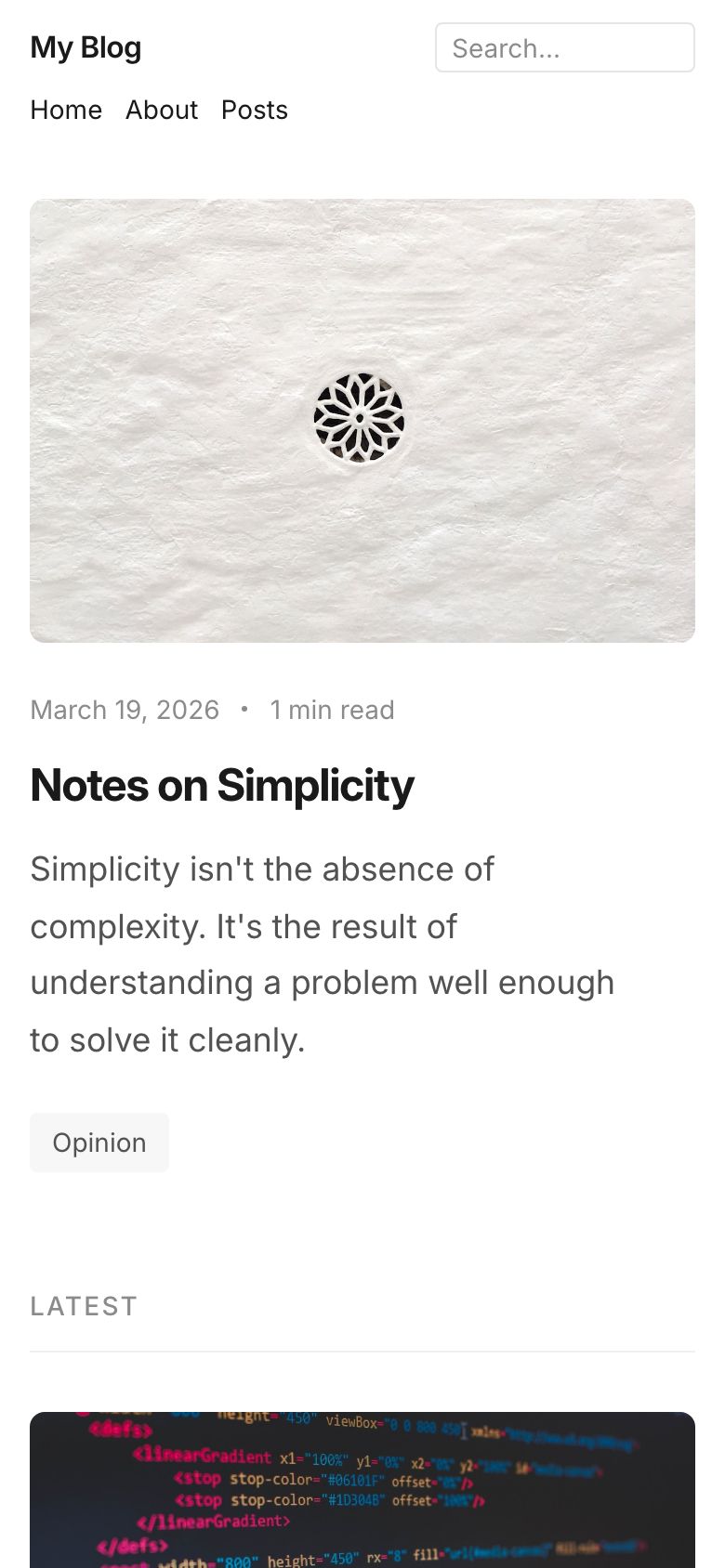
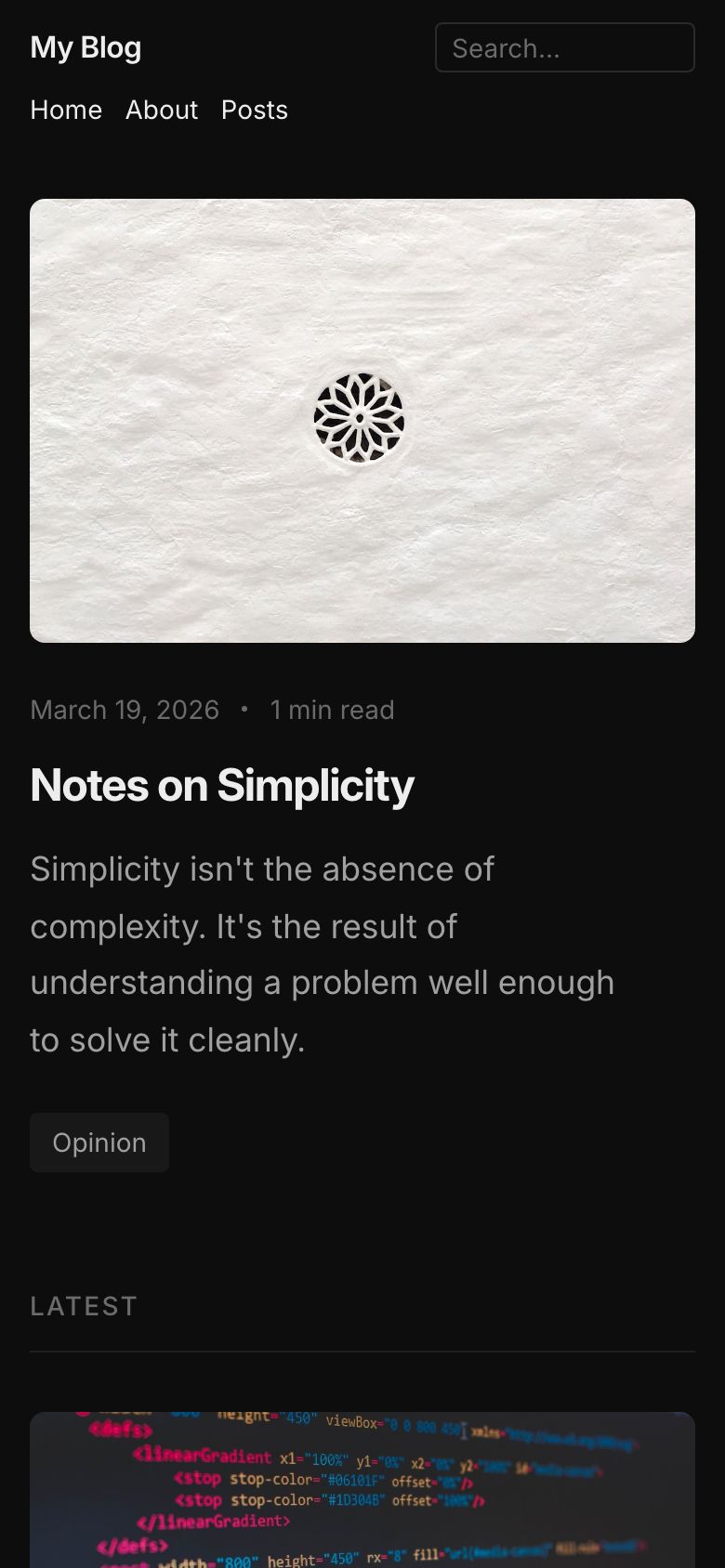
Screenshots
| Desktop | Mobile | |
|---|---|---|
| Light | |
 |
| Dark | 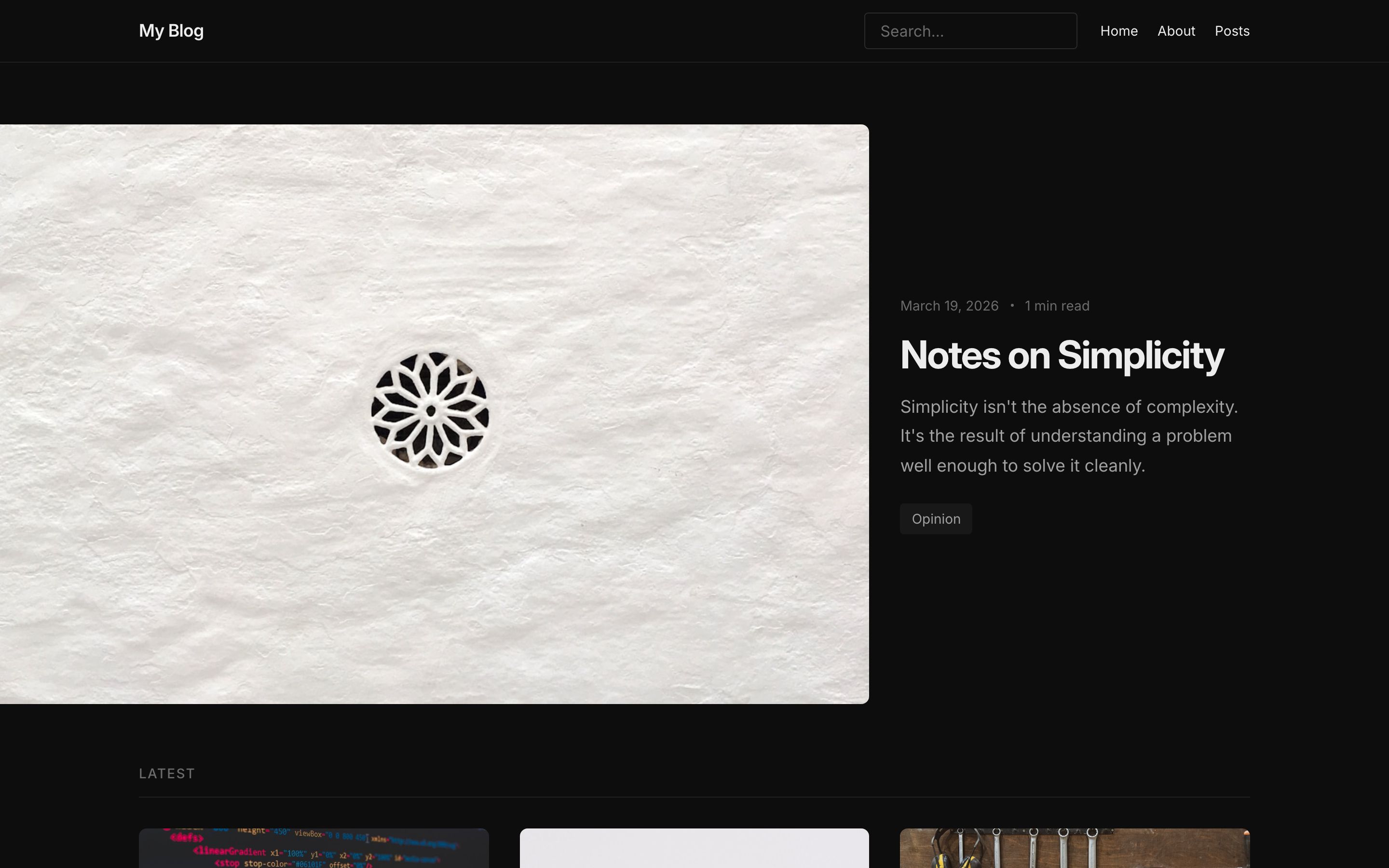 |
 |
Infrastructure
- Runtime: Cloudflare Workers
- Database: D1
- Storage: R2
- Framework: Astro with
@astrojs/cloudflare
Local Development
pnpm install
pnpm dev
Open http://localhost:4321/_emdash/admin and complete the setup wizard. EmDash runs database migrations and applies the blog seed during setup. The site is available at http://localhost:4321.
Deploying
pnpm wrangler login
pnpm deploy
The first deployment provisions the named D1 database and R2 bucket from wrangler.jsonc. See Deploy to Cloudflare for production setup, or use the deploy button above.
See Also
- Node.js variant -- same template using SQLite and local file storage
- All templates
- EmDash documentation